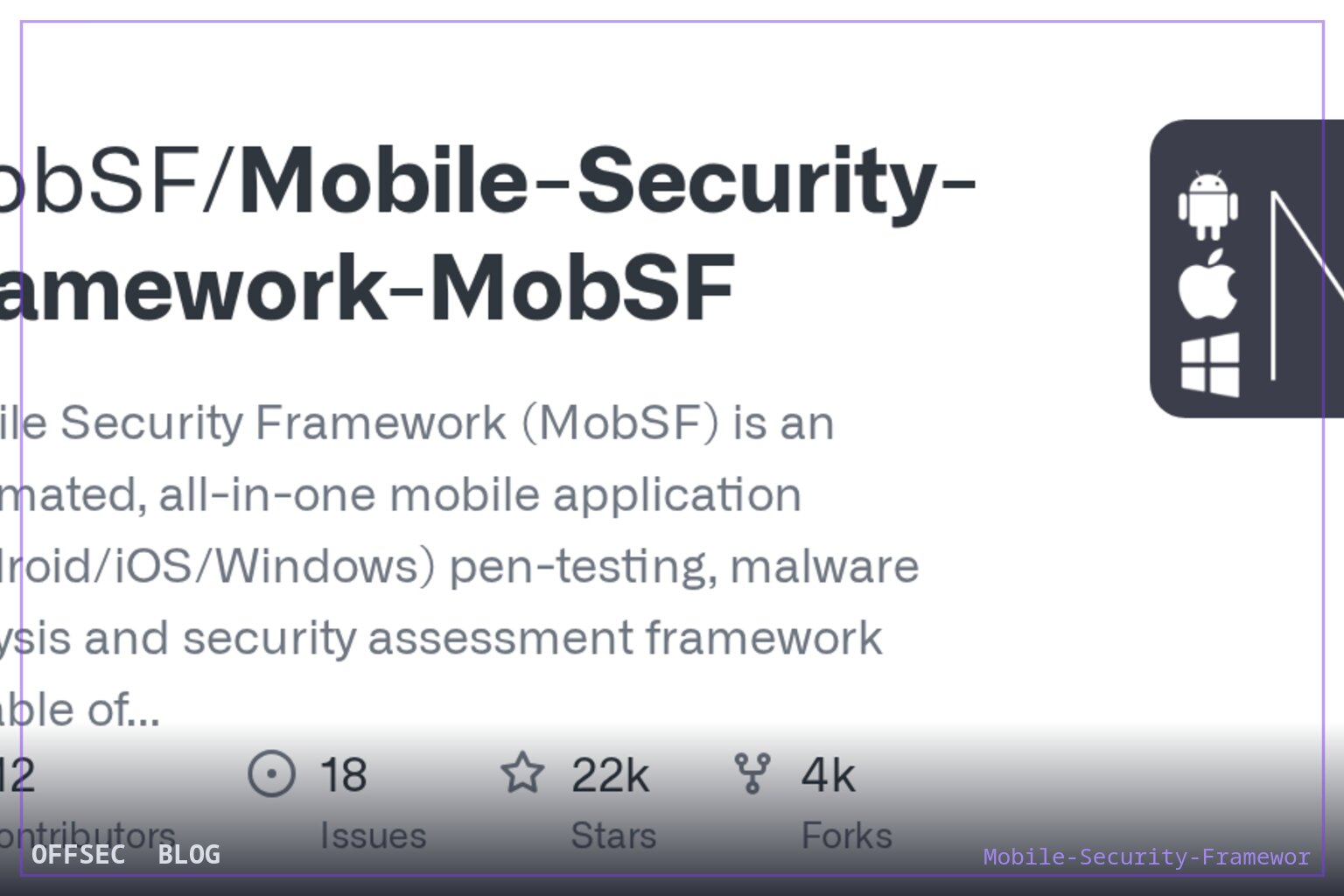
mobsf is an all-in-one security research platform performing static and dynamic analysis of Android, iOS, and Windows Mobile binaries for authorized pentesting, malware analysis, and DevSecOps pipelines.
| Tool | MobSF/Mobile-Security-Framework-MobSF — automated, all-in-one mobile application security testing framework for Android, iOS, and Windows Mobile |
| Category | Mobile application security analysis platform (SAST + DAST) |
| Primary Use | Automated static and dynamic analysis of APK, IPA, APPX, and source code during authorized mobile app assessments and CI/CD security gates |
| Safe Use | Intended for penetration testers, developers, and security researchers analyzing applications they own or are explicitly authorized to test; also suited to lab environments and defensive malware triage |
| Telemetry Note | As an analysis platform, mobsf runs locally against submitted binaries; defenders observe it as internal tooling — its REST API calls and CI/CD integrations via mobsfscan appear in pipeline logs rather than on target infrastructure |
Mobile Security Framework (mobsf) has become one of the de facto standard platforms for mobile application security assessment, and the repository's standing — roughly 21769 stars at the time of this context, a GPL-3.0 license, and a JavaScript primary language tag that undersells what is actually a large Python 3.12+ codebase — reflects how deeply it has embedded itself in professional workflows. The README frames it precisely: a security research platform for Android, iOS, and Windows Mobile covering mobile application security, penetration testing, malware analysis, and privacy analysis. That breadth matters because mobile assessments otherwise require assembling a fragmented toolkit of decompilers, proxies, emulators, and analysis scripts; mobsf consolidates the first-pass triage of all of it behind a single web interface and REST API.
The architecture splits cleanly into two halves. The Static Analyzer ingests popular mobile app binaries — APK for Android, IPA for iOS, APPX for Windows Mobile — and, notably, also accepts raw source code, which is a meaningful differentiator for organizations that want pre-build scanning in development rather than post-facto binary review. The Dynamic Analyzer, per the README, supports both Android and iOS applications and provides a platform for interactive instrumented testing, runtime data analysis, and network traffic analysis. In practice this means the tool spans the full SAST-to-DAST spectrum for mobile, letting an analyst pivot from manifest review to runtime observation without leaving the framework.
What the README reveals about internal design is worth reading between the lines. The contributor credits read like a changelog of capability acquisition: Dominik Schlecht added Windows Phone static analysis, Matan Dobrushin contributed Android ARM emulator support building on cuckoo-droid, Shuxin added Android binary analysis, and Bharadwaj Machiraju wrote pyWebProxy from scratch — the traffic-capture component that underpins the framework's ability to observe network behavior during dynamic sessions. Netguru contributed iOS Swift support and a static analysis refactoring, while Maxime Fawe implemented a matching strategy for the SAST pattern-matching algorithms. This is a mature project where individual subsystems have dedicated maintainership histories.
The DevSecOps story is explicit rather than implied. The README states that mobsf integrates with CI/CD pipelines via REST APIs and CLI tools, and points to mobsfscan as the companion for pipeline-embedded static scanning. The topic tags reinforce this: devsecops, cwe, owasp, masvs, mastg, and mstg all signal that findings are mapped to recognized taxonomies — the OWASP Mobile Application Security standards — rather than emitted as raw tool-specific noise. For a report writer, that mapping is the difference between a scan dump and something a client's engineering team can remediate against a known benchmark.
Deployment is deliberately low-friction, and the README's quick-start is a single docker pull opensecurity/mobile-security-framework-mobsf:latest followed by docker run -it --rm -p 8000:8000 opensecurity/mobile-security-framework-mobsf:latest, with default credentials mobsf/mobsf. Two operational notes follow immediately from that: first, anyone running the container should change those defaults before exposing port 8000 beyond localhost, since the web UI accepts binary uploads and an open instance is a resource-intake surface. Second, the --rm flag means scan artifacts live only as long as the container unless you mount a persistent volume — relevant when reports need to survive for engagement documentation.
The demonstration GIFs embedded in the README — mobsf_android_static_analysis, mobsf_ios_ipa_static_analysis, mobsf_android_dynamic_analysis, mobsf_web_api_fuzzing_with_burp, and mobsf_ios_dynamic_analysis — sketch the analyst's journey. Static analysis produces findings on manifest configuration, binary issues, and source-level vulnerabilities; dynamic analysis drops the app into an instrumented environment and captures runtime behavior. The Web API Viewer entry, showing API fuzzing alongside Burp, indicates that traffic captured during dynamic sessions can be replayed and fuzzed, effectively bridging mobile dynamic analysis into classic web API testing methodology.
The project's pedigree is unusually well documented. It has been featured at Black Hat Arsenal in Asia 2015, Asia 2018, and Europe 2023, and placed in the ToolsWatch top security tools lists for 2016 (rank 5) and 2017 (rank 9). It is bundled into dedicated distributions — Android Tamer, BlackArch, and Pentoo — which means many pentesters already have it installed without a separate fetch. Quality signals include a SonarCloud quality gate, CII Best Practices badging, and active CI workflows on the master branch, all suggesting sustained engineering discipline rather than a trophy repository.
For an authorized workflow, where mobsf fits best is the triage and coverage layer of a mobile assessment. Feed it the client's APK or IPA under a signed engagement scope, harvest the static findings as a checklist generator, then use dynamic analysis to validate which of those findings are actually reachable at runtime — the classic false-positive compression problem in static mobile analysis. The malware analysis use case in the README is equally legitimate: researchers triaging suspicious mobile samples get manifest, permission, string, and behavioral indicators in one pass, inside an isolated analysis environment they control.
Support structure is tiered: a free Slack channel for community help, with GitHub issues reserved strictly for bugs and feature requests, and paid enterprise packages offering priority feature requests, live support, and onsite training through opensecurity.in. There is also a hosted static analyzer at mobsf.live and a commercial course, which together indicate the project has a sustainable funding model — relevant when evaluating whether a tool will still be maintained next engagement cycle. The documentation lives at mobsf.github.io/docs.
Caveats worth flagging to a professional audience: automated findings from any SAST engine, including mobsf's, are a starting surface, not a verdict. Business-logic flaws, inadequate authorization on backend APIs, and cryptographic misuse that spans client and server will not surface from a binary scan alone. The REST API means the tool can be scripted for bulk analysis, but that same capability obligates discipline — only binaries you are authorized to analyze should enter the queue, and default credentials on the web UI should be rotated before any shared deployment. Used within those boundaries, mobsf remains the reference platform for systematic, repeatable mobile application security review.
MobSF/Mobile-Security-Framework-MobSF.Educational analysis for authorized security professionals. Use only in controlled, authorized environments.


0 comentários:
Post a Comment
Note: Only a member of this blog may post a comment.