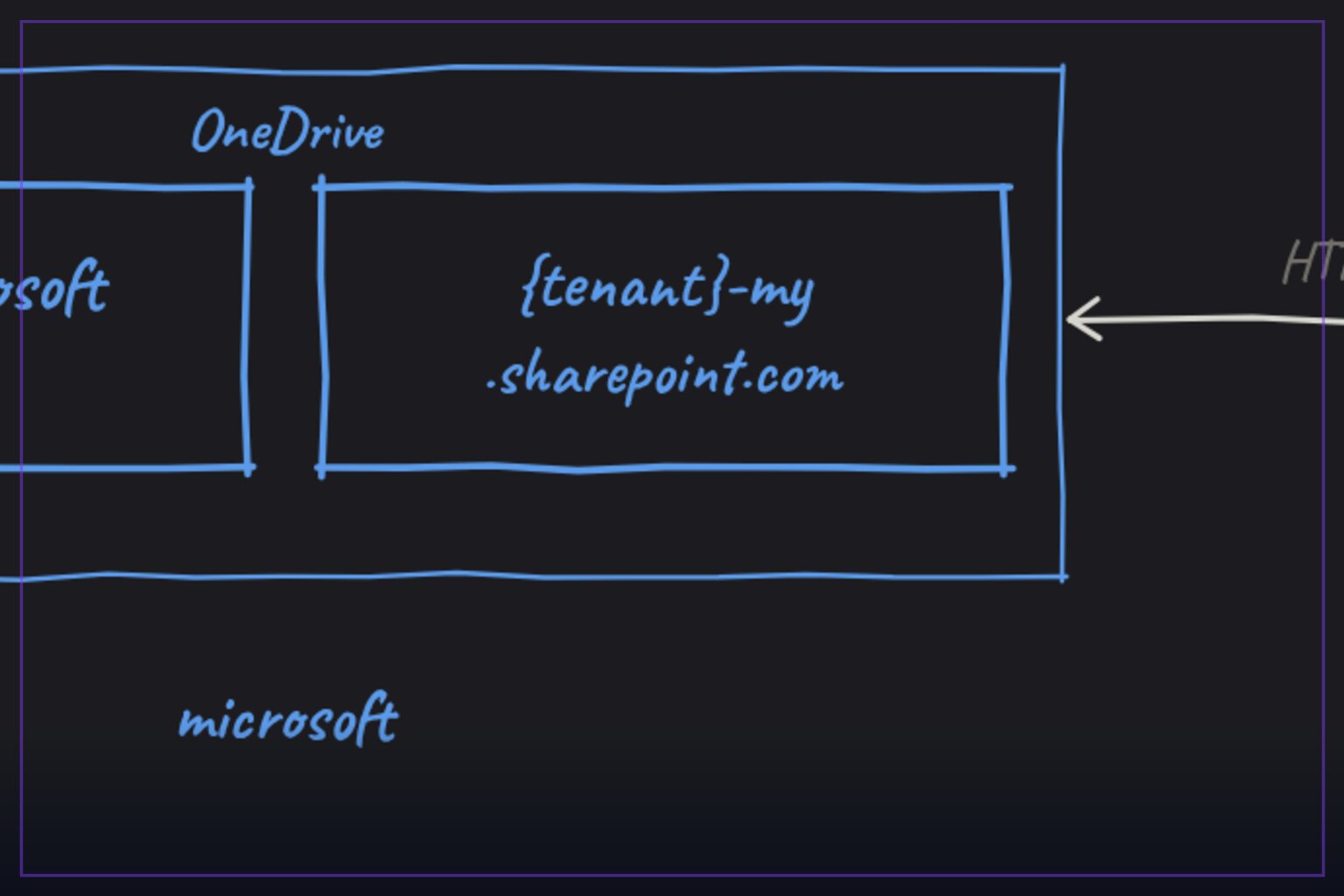
OneDrive-UDC2 is a Cobalt Strike User-Defined C2 channel that routes beacon traffic through Microsoft OneDrive via the Graph API, making it a valuable case study for authorized red teams and defenders analyzing trusted-cloud exfiltration paths.
| Tool | nmht3t/OneDrive-UDC2 — a Cobalt Strike UDC2 channel that uses OneDrive file operations as its command transport |
| Category | command-and-control framework extension |
| Primary Use | Simulating cloud-storage-based C2 in authorized engagements and lab environments to test monitoring of Microsoft Graph and OneDrive activity |
| Safe Use | Only in explicitly authorized penetration tests, isolated labs, or detection-engineering research against tenant environments you own or have written permission to assess |
| Telemetry Note | Generates highly visible Entra ID and Graph audit trails: app sign-in logs, Files.ReadWrite.All application consent events, and repeated drive-item create/delete cycles on predictable folders |
OneDrive-UDC2 is a Python-based implementation of Cobalt Strike's User-Defined C2 interface that replaces the traditional direct beacon connection with a mailbox-style exchange over Microsoft OneDrive. Instead of a beacon dialing home over a socket, both sides read and write files in two OneDrive folders — an inbox and an outbox — so that all C2 traffic appears as ordinary cloud file synchronization to anything that only inspects network flows. The repository is written in Python for the relay component and ships a beacon object file, client/bof.o, for the implant side, and it carries an MIT license with a modest community footprint at the time of writing. For defenders, this project is worth studying precisely because it is a clean, documented specimen of the trusted-SaaS transport pattern that real intrusion sets have used for years.
Architecturally, the tool follows the split design that all UDC2 channels require. A relay process, server/relay.py, sits between the Cobalt Strike teamserver and the cloud, translating the teamserver's TCP expectations into Graph API file operations. The beacon side, loaded as bof.o, polls OneDrive for new commands and posts results back the same way. The README confirms the message flow is asynchronous and folder-based: one folder carries operator-to-beacon traffic and the other carries the responses, with identifiers captured via a GET against https://graph.microsoft.com/v1.0/me/drive/root/children in Graph Explorer during setup. This decoupling means neither side ever needs a routable connection to the other, which is the entire point of the design.
The cloud identity requirements are the most operationally significant part of the README, and the most interesting from a defensive standpoint. The tool needs a Microsoft Entra ID tenant, a user with OneDrive for Business, and — critically — an app registration granted the Files.ReadWrite.All application permission with admin consent. That is a broad, tenant-scoped grant, not a delegated user permission, which means the app identity can read and write files programmatically across the drive it targets. Any defender reviewing this should note that the consent grant itself, visible in Entra ID audit logs, is a high-signal artifact long before any traffic flows.
Where this tool genuinely shines as an engineering artifact is its state management, which the README documents in unusual detail for a project of this size. The relay maintains a state file, config.json.state.json, tracking processed inbox files, pending uploads, and beacon session info across restarts. A spool directory, config.json.state.json.spool/, buffers response data that has not yet been uploaded, so a crash mid-upload does not lose operator output — the relay retries on next start. A lock file, config.json.state.json.lock, enforces single-instance semantics, and the README even documents the failure mode where a crashed relay leaves a stale lock producing the Another relay holds the lock error, along with the --clean recovery path.
The relay exposes a compact set of flags that reveal its runtime behavior: --config for the configuration path, --ts-addr and --ts-port for the teamserver endpoint, --poll to control the OneDrive polling interval (defaulting to 2.0 seconds), --state for the state file location, --debug for verbose logging, and --clean for state reset. The default two-second poll is worth pausing on from a detection perspective, because it implies a steady, machine-regular cadence of Graph API drive-item queries — the kind of low-jitter periodicity that behavioral analytics can flag even when the individual requests look innocuous.
Configuration lives in server/config.json, populated from a provided server/config.json.example, and holds tenant_id, client_id, client_secret, drive_id, inbox_folder_id, and outbox_folder_id. The build step is minimal — copying the example config and running make to produce the client component — which keeps the project approachable for lab reproduction. The README's suggestion to run the relay under screen or tmux is a small but telling detail: this is designed as a long-lived operator-side service, and its durability features (state, spool, restart-safety) all serve that goal.
The lineage here matters too. The README's references section points to the official Cobalt Strike UDC2 documentation, the vendor's own icmp-udc2 example, and WKL-Sec/slack-udc2, placing this project squarely within a family of community channels that repurpose legitimate services — Slack, ICMP, now OneDrive — as transports. That family is a microcosm of a broader trend: as egress filtering improves, operators increasingly lean on destinations that are not just allowed but business-critical. Blocking OneDrive outright is rarely an option in a modern enterprise, which is why identity-centric and behavior-centric detection, not URL filtering, is the effective counter.
From a detection-engineering standpoint, this tool hands defenders a concrete list of observables to build against. The app authentication flow generates Entra ID sign-in logs for the service principal, and the tenant-wide admin consent for Files.ReadWrite.All is logged at grant time. During operation, every poll cycle issues Graph drive queries, and every message exchange creates and deletes drive items in two consistently named folders, producing dense, rhythmic audit activity in the Unified Audit Log under OneDrive workload events. Detection content keyed on application-permission drive access with high-frequency item churn, or on newly consented apps holding broad Files permissions, would surface this pattern quickly.
For authorized red teams, the value of OneDrive-UDC2 is as an emulation of a real adversary technique against a target's actual cloud posture — whether conditional access policies, token protection, or Graph anomaly detection catch a cloud-mailbox C2 before it matures. For everyone else, it is a reminder that the perimeter is now identity. The tool's own README, with its emphasis on tenant IDs, app registrations, and consent grants, reads almost as much like an Entra ID hardening checklist as an operator guide: restrict application consent, monitor privilege grants for Files.ReadWrite.All, and alert on service principals touching drives at machine cadence. Studied in a lab, this repository is a compact education in both directions of the cloud C2 arms race.
nmht3t/OneDrive-UDC2.Educational analysis for authorized security professionals. Use only in controlled, authorized environments.


0 comentários:
Post a Comment
Note: Only a member of this blog may post a comment.